Why do I not receive a Business verification OTP ?
Last updated: August 28, 2025
If you are a customer who is not receiving an OTP after clicking “Resume Existing Session” or 'Edit session email', the most common reason is that the email entered on this screen is incorrect.
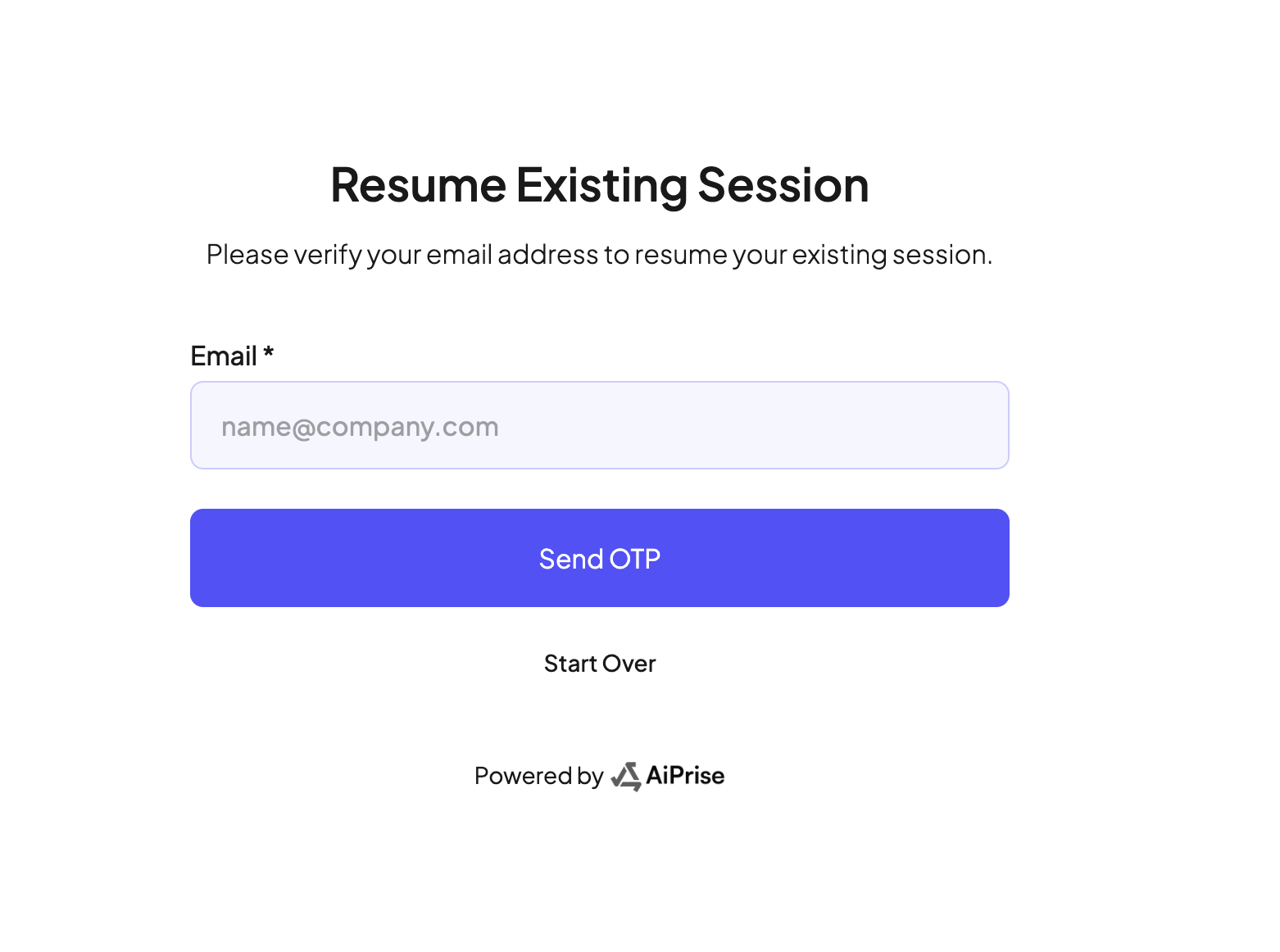
What to Do:
1. Double-check your email address
The email you need to enter is the same one where you originally received the AiPrise KYB onboarding link from the business.
2. If you’re unsure of the correct email
Reach out to the person or business that sent you the KYB onboarding link.
Ask them to confirm which email address is associated with receiving OTPs for your onboarding session.
3. Once confirmed
Enter the correct email address.
Click “Send OTP”.
You should then be able to receive your OTP and proceed with the onboarding process