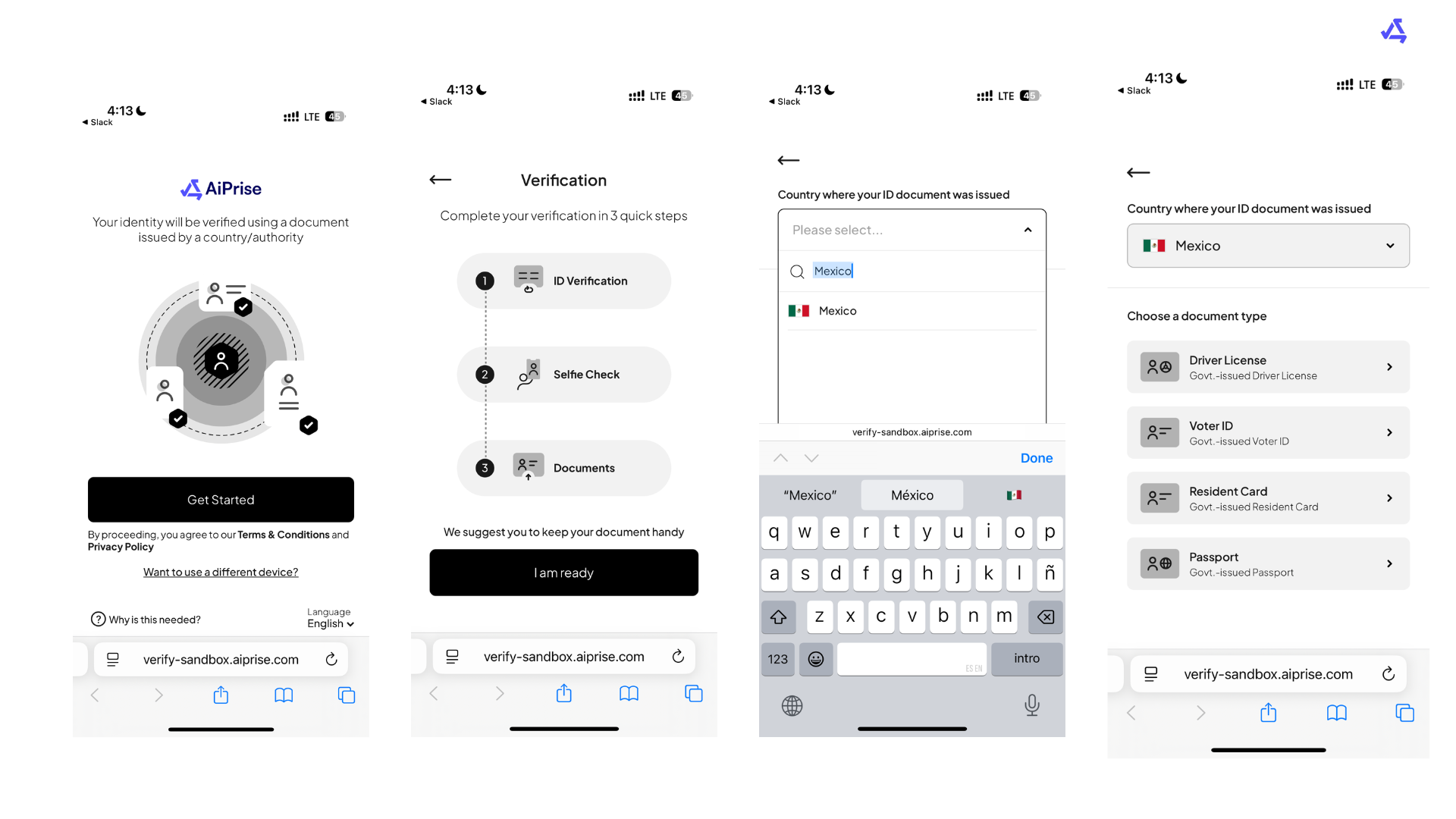
How to run an effective KYC
Last updated: May 19, 2025
Step 1: Use a Well-Lit Environment
Take photos in a bright, well-lit space.
Natural daylight is preferred, but a strong indoor light can also work.
Avoid backlighting, shadows, and glare.
Make sure your face and any documents are clearly visible.
Step 2: Only Use Original Documents
Do not upload photocopies, scanned images, or screenshots.
Only physical, original government-issued ID documents are accepted.
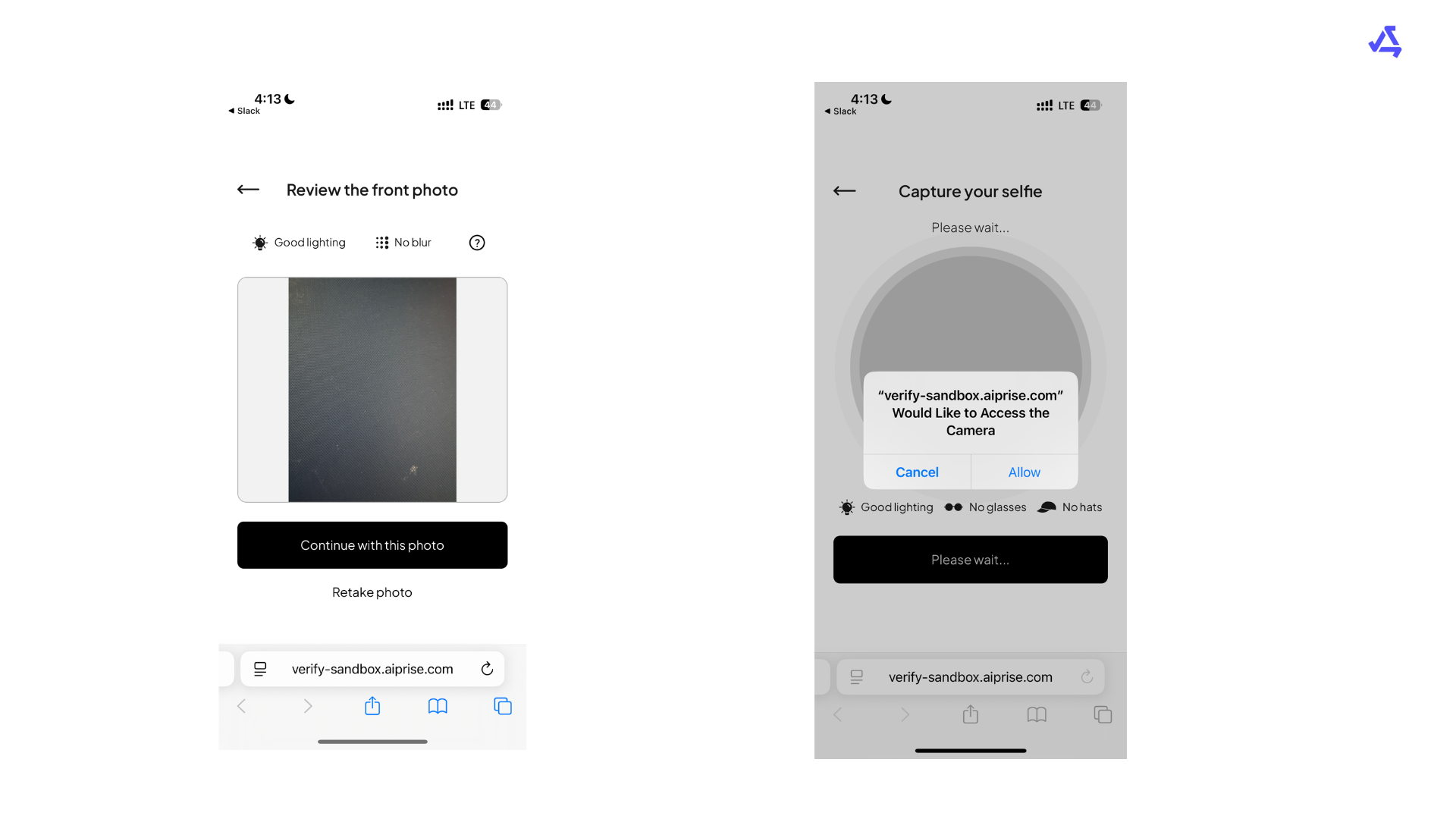
The entire document must be visible—avoid cropping, blurring, or glare.
Step 3: Check Camera Access
Ensure your camera is not in use by another application (e.g., Zoom, Teams, or camera apps).
Grant any required browser or app permissions for camera use.
Restart the browser or device if the camera is not functioning.
Step 4: Use Valid Identification
Acceptable forms of ID typically include a passport, driver’s license, or national ID.
Make sure the ID is not expired, damaged, or obscured.
Text, photo, and document edges must be clearly visible and legible.
Step 5: Prepare for a Clear Face Capture
Look directly into the camera with a neutral expression.
Remove any face coverings, hats, or tinted glasses.
Keep your face centered and hold still until the capture is complete.
Step 6: Clean Your Camera Lens
Use a soft cloth to clean the camera lens before starting.
Blurry images are often caused by smudges or dust on the lens.
Use the rear-facing camera if the front-facing one is low quality.
Step 7: Re-Take if Prompted
If your submission fails, carefully review any error message or instructions provided.
Repeat the step, making sure all quality and compliance checks are met.
Double-check that the image is clear, uncropped, and not obstructed.